
Main /
BitPOS TMD – PO Approval
- STEP 1: Open the TMD App
- Launch the TMD Application on your device to access the Purchase Order Approval feature.
 |
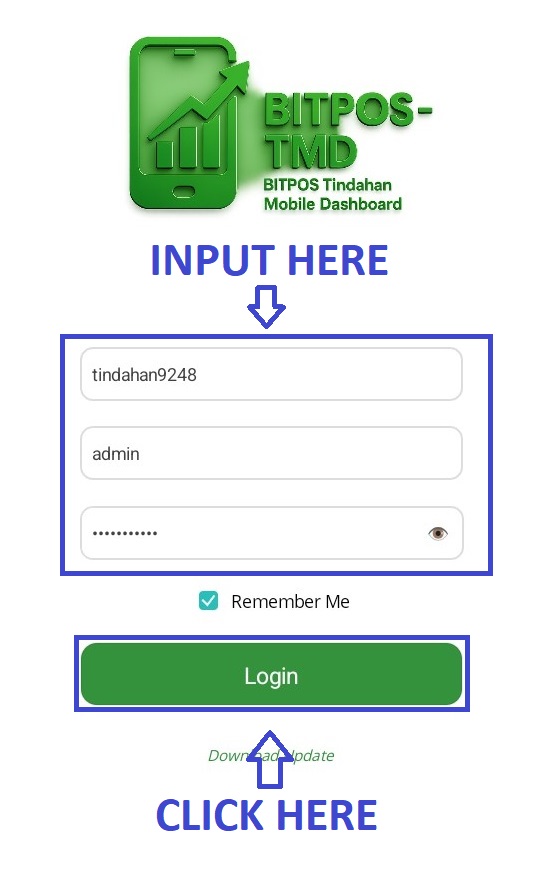
- STEP 2: Log In
- Enter your admin credentials to securely log in to the system.
 |
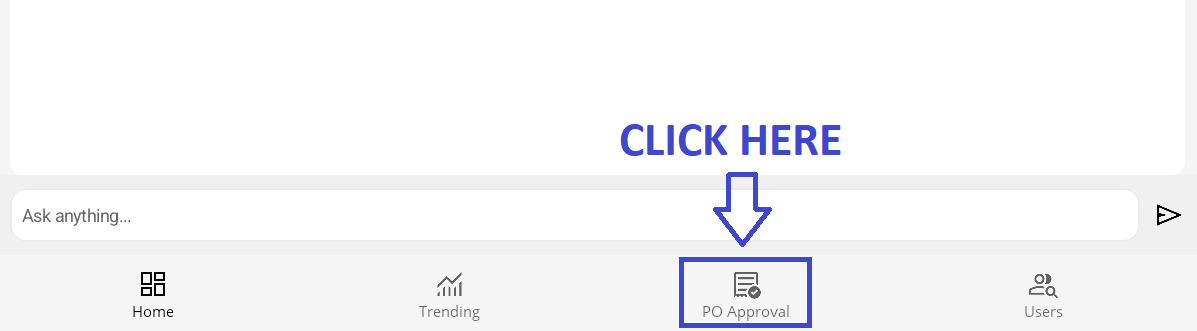
- STEP 3: Click PO Approval
- From the main dashboard, select PO Approval to view pending purchase orders.
 |
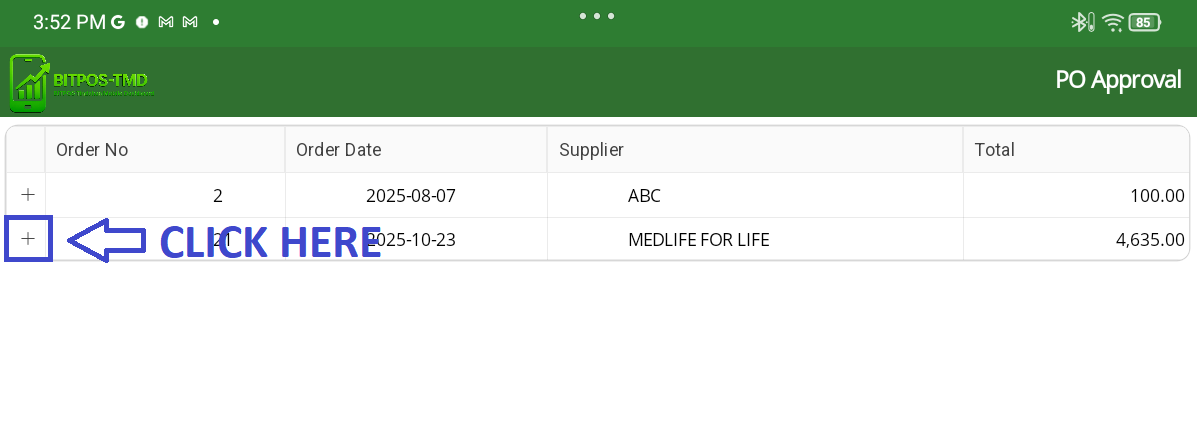
- STEP 4: Click the “+” Sign
- Tap the + icon beside the PO to expand and view its details.
 |
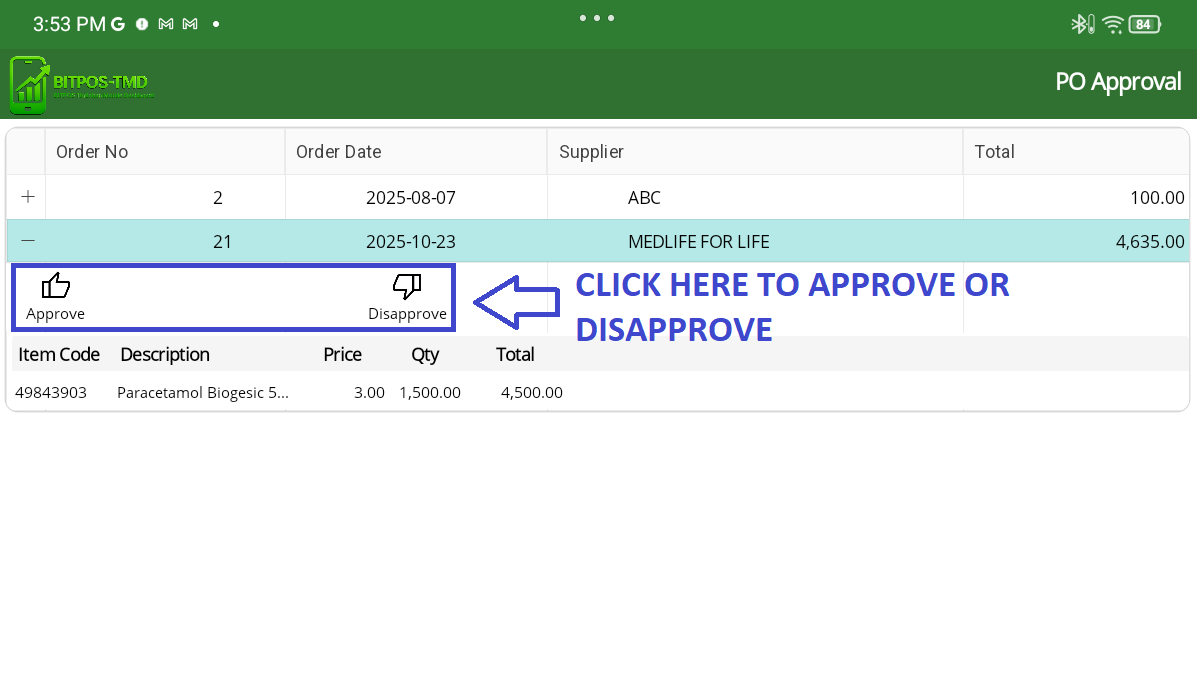
- STEP 5: Review and Approve/Disapprove
- You can now see all PO information along with two options: Approve or Disapprove the request.
 |