
Main /
Company Setup and Print Statements Guide
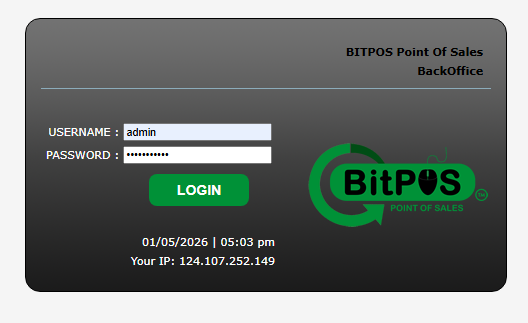
- STEP 1: Log In to the Back Office
- Access the Back Office using your admin credentials.
 |
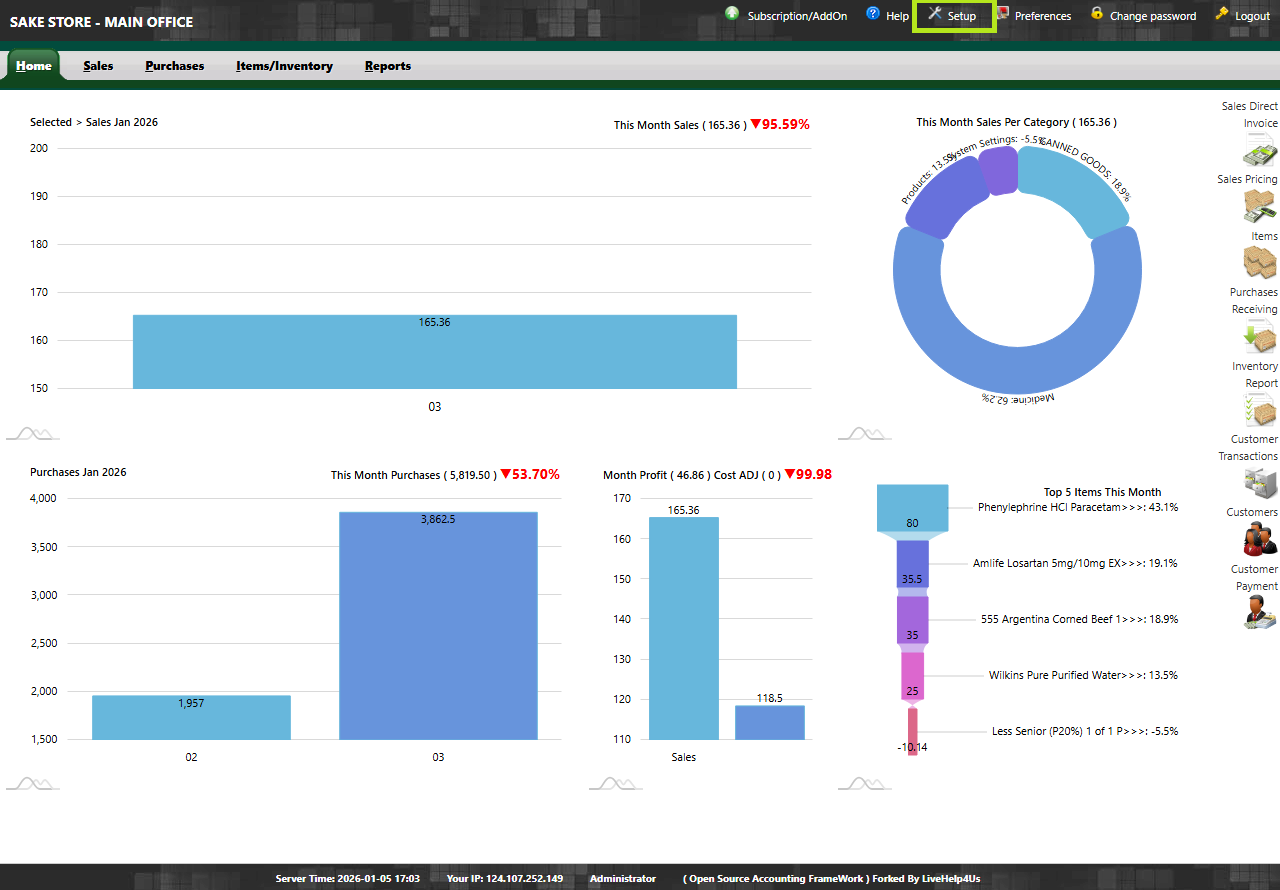
- STEP 2: Click Setup
- From the main menu, select Setup.
 |
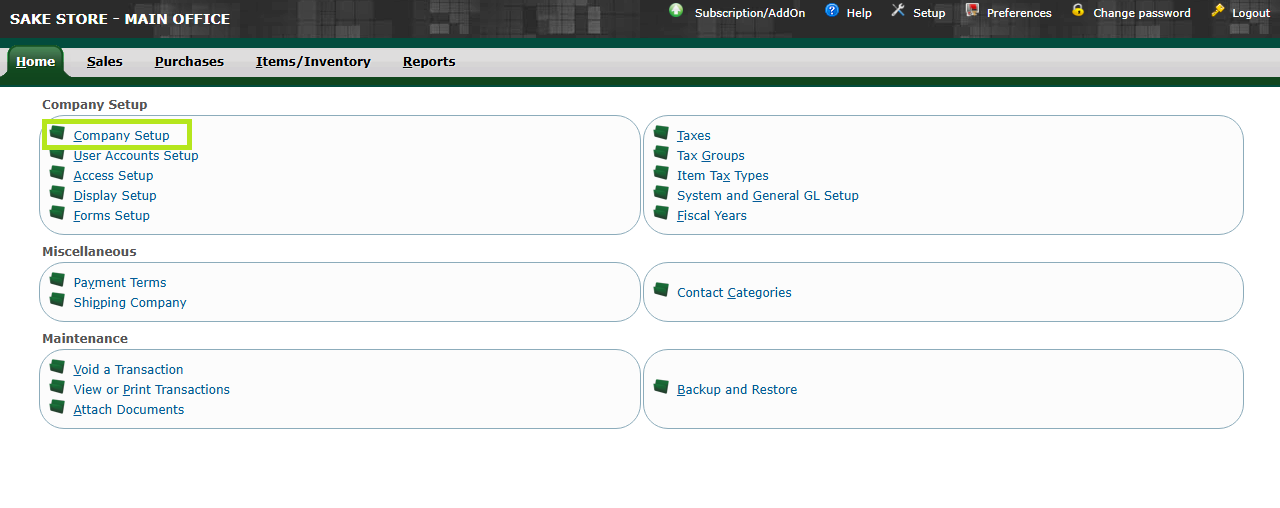
- STEP 3: Click Company Setup
- Open Company Setup to manage company information.
 |
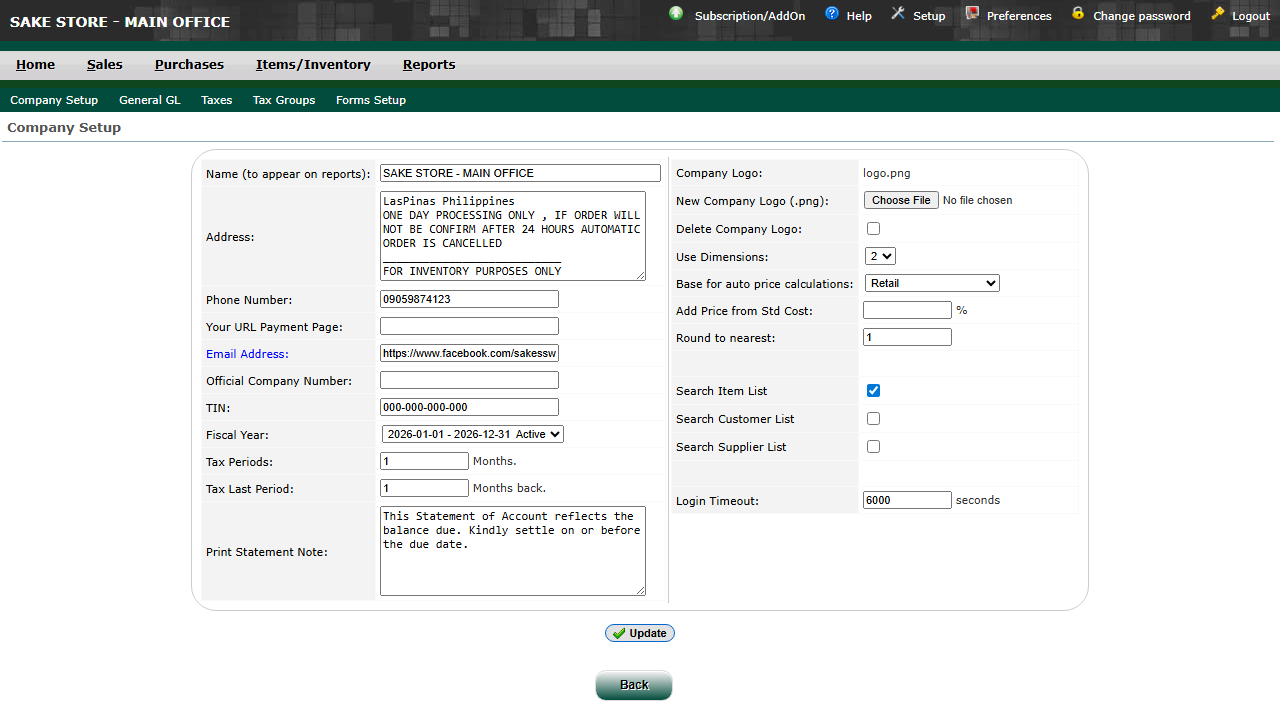
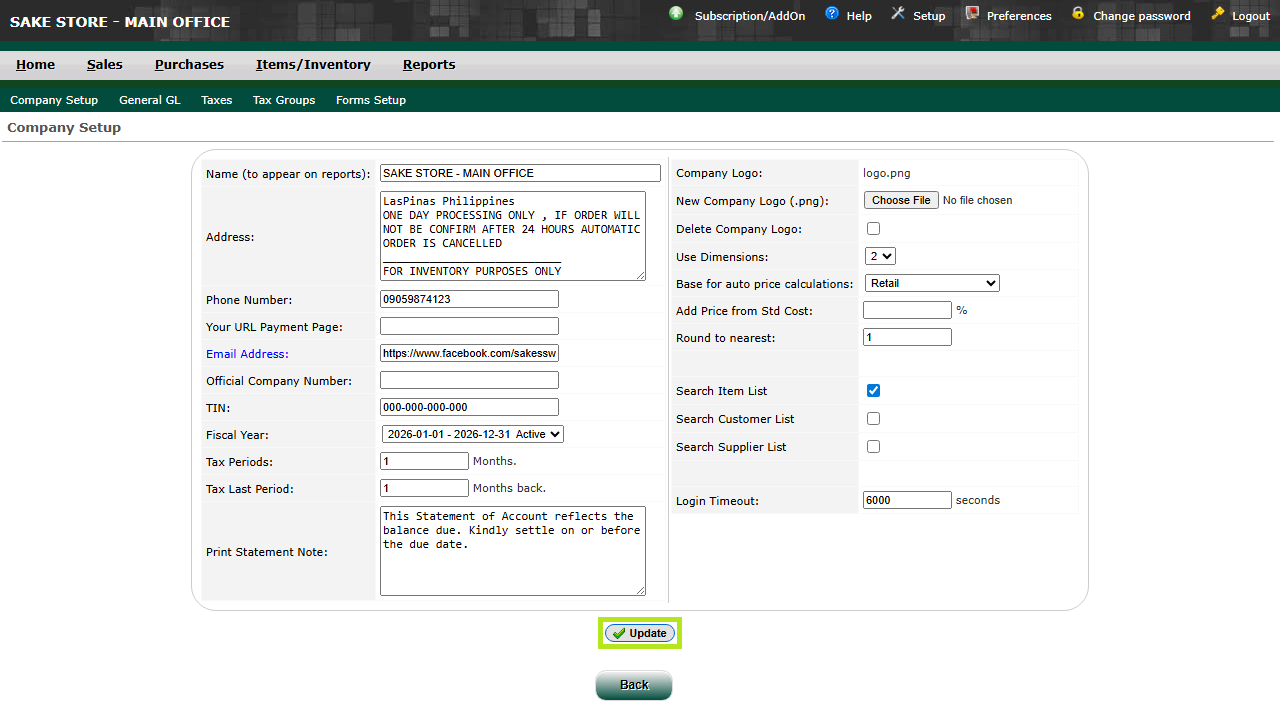
- STEP 4: Input Details
- Enter or update the required company details.
 |
- STEP 5: Click Update
- Save the changes by clicking Update.
 |
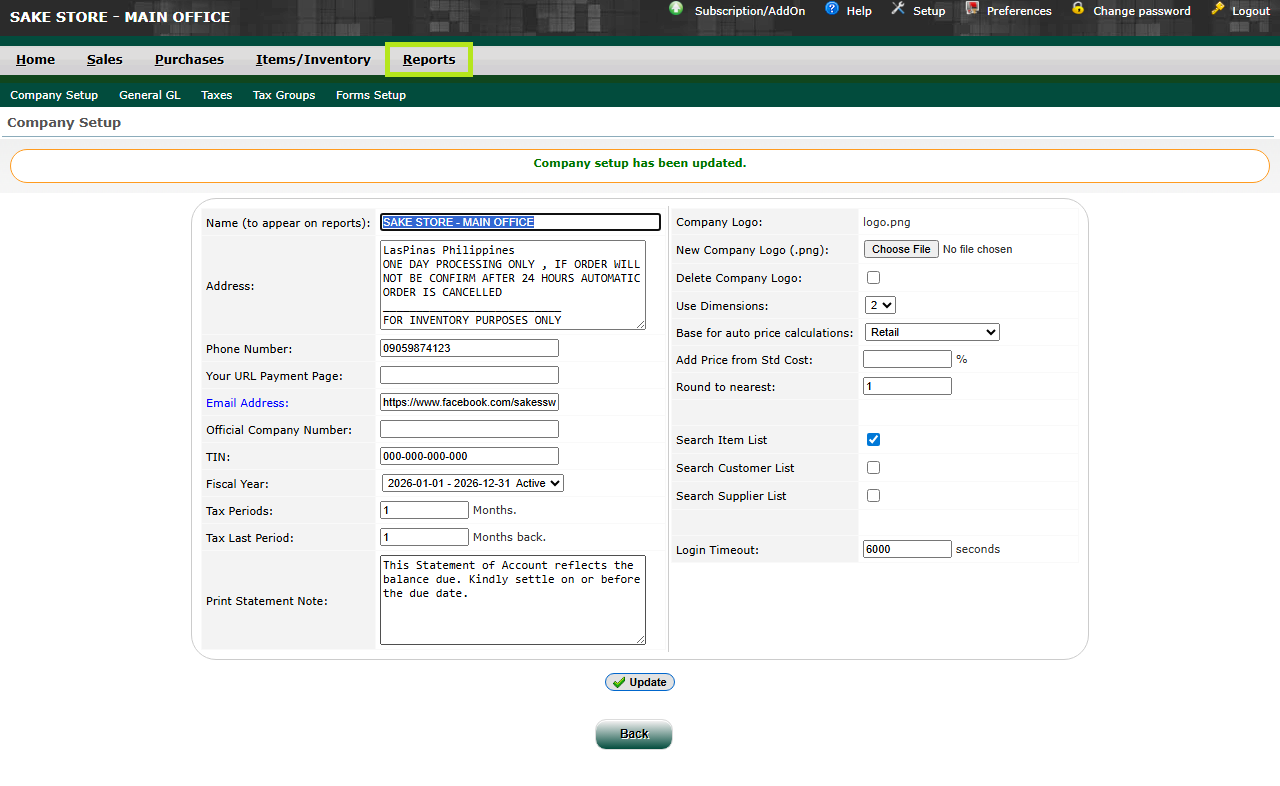
- STEP 6: Click Reports
- Navigate to the Reports section.
 |
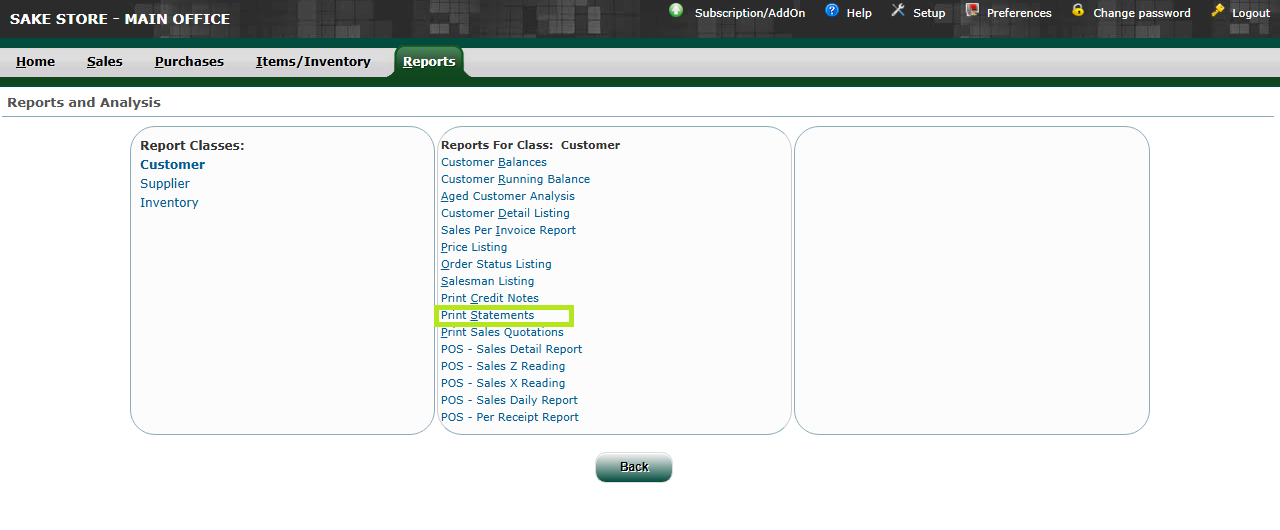
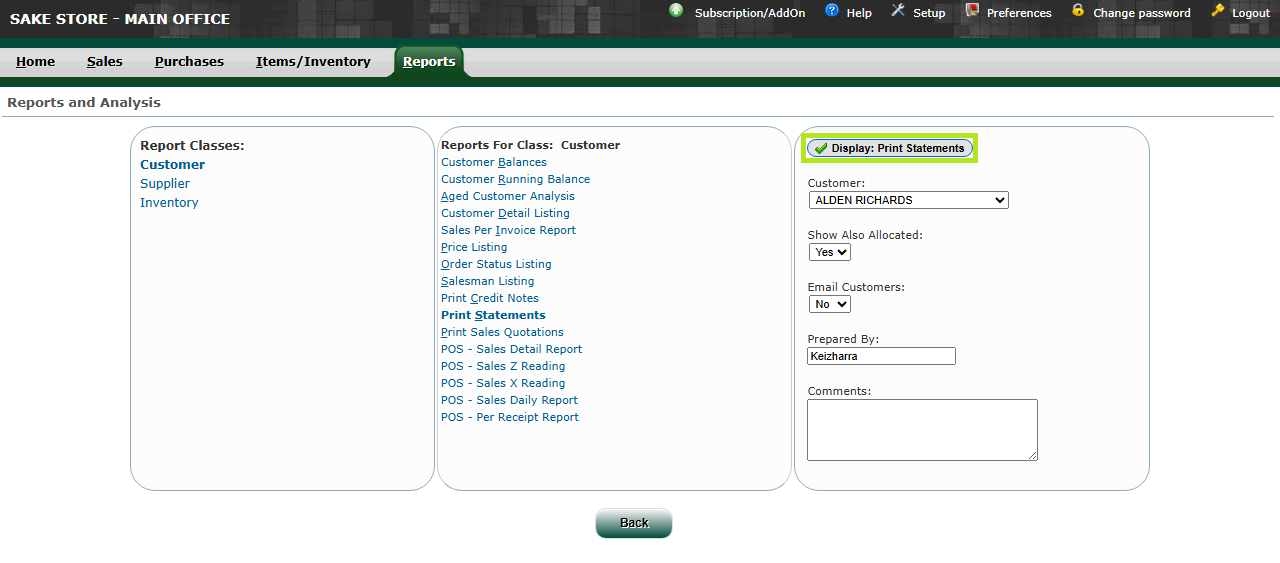
- STEP 7: Click Print Statements
- Select Print Statements from the reports list.
 |
- STEP 8: Input Details
- Enter the required report details or filters.
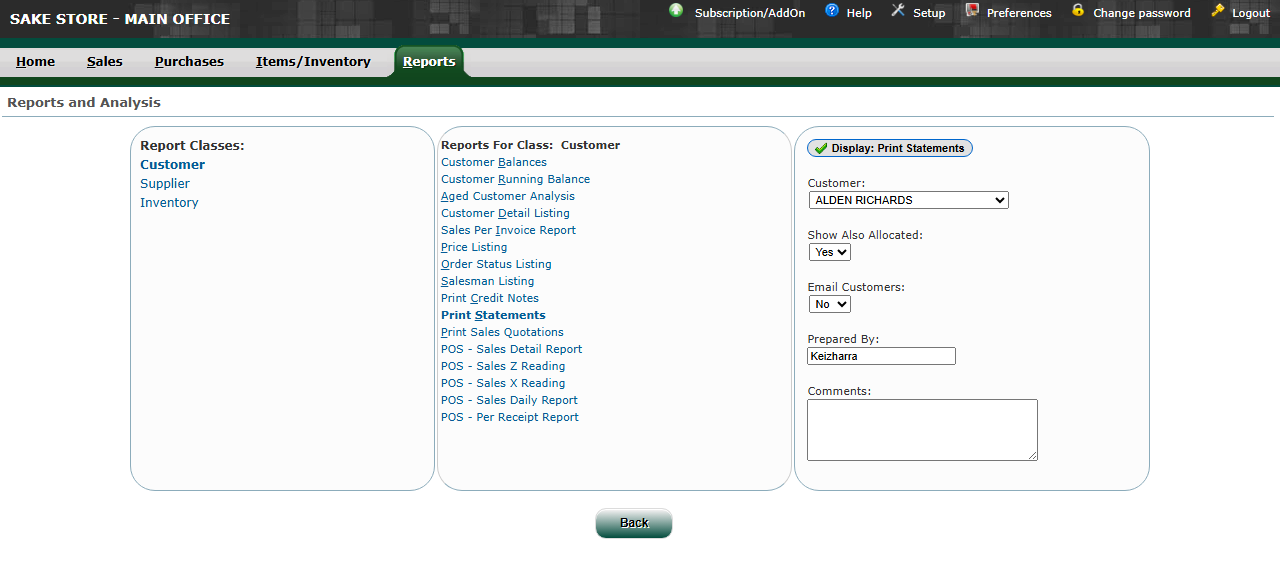 |
- STEP 9: Click Display
- Click Display to generate and view the statement.
 |